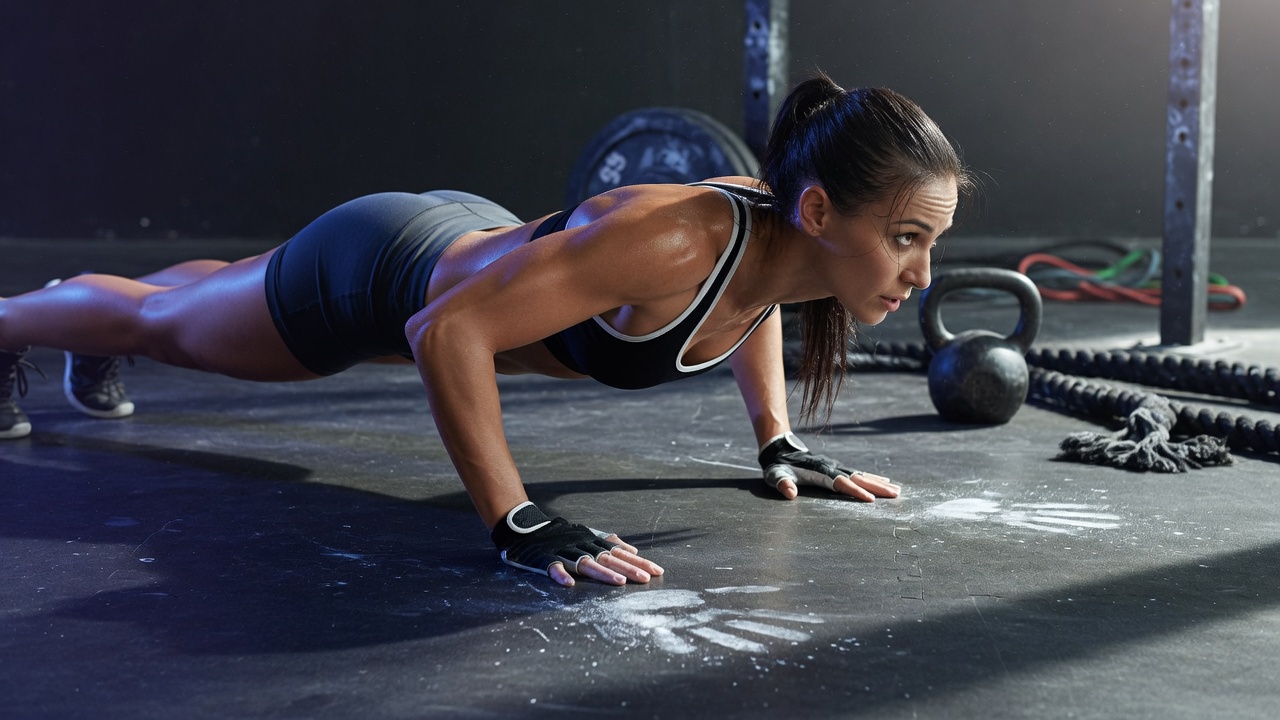
Chest
Push-ups, floor press and fly progressions scaled to your strength. Beginners start on an incline; advanced athletes go to deficit push-ups.
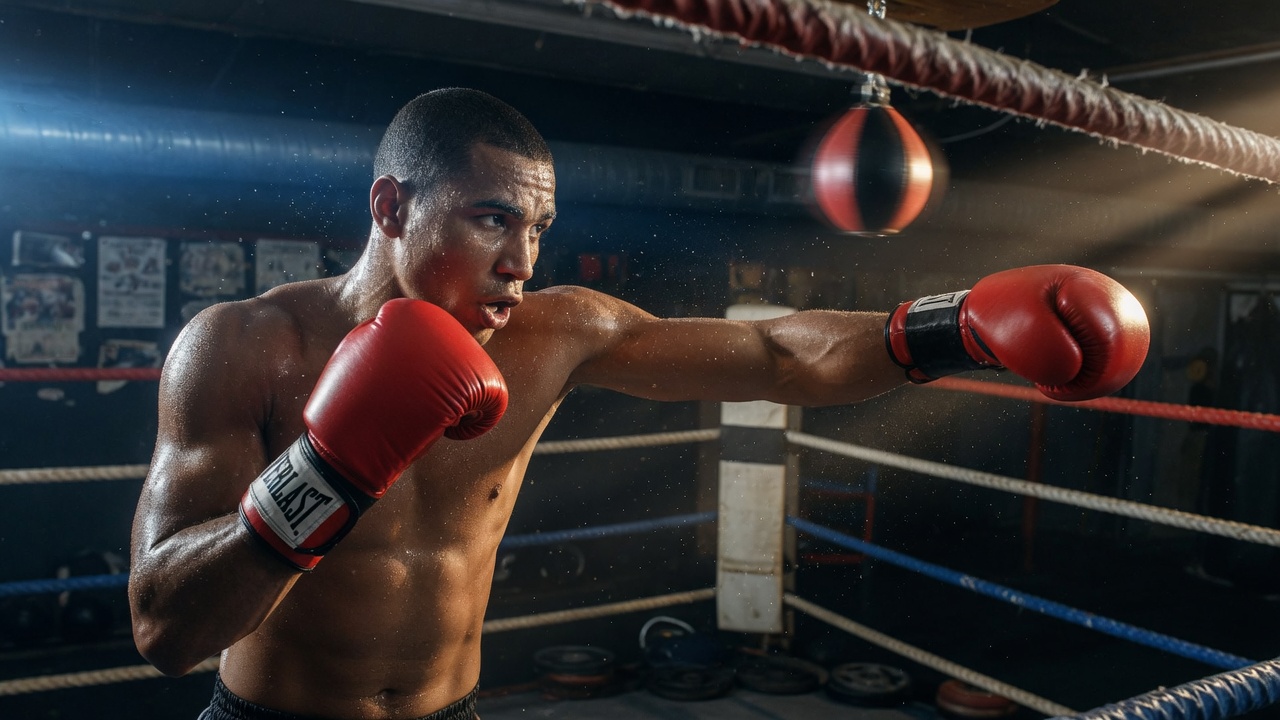
AI gym coach · camera on your phone
Gym with your smartphone. GymBullet writes the plan, watches your form, and keeps the next five sessions locked and loaded.
Choose a focus
Workouts follow ACSM FITT-VP guidelines and ExRx-style push / pull / legs splits: major muscle groups, 48-hour recovery, and a stretch cooldown on every session.
Push-ups, floor press and fly progressions scaled to your strength. Beginners start on an incline; advanced athletes go to deficit push-ups.
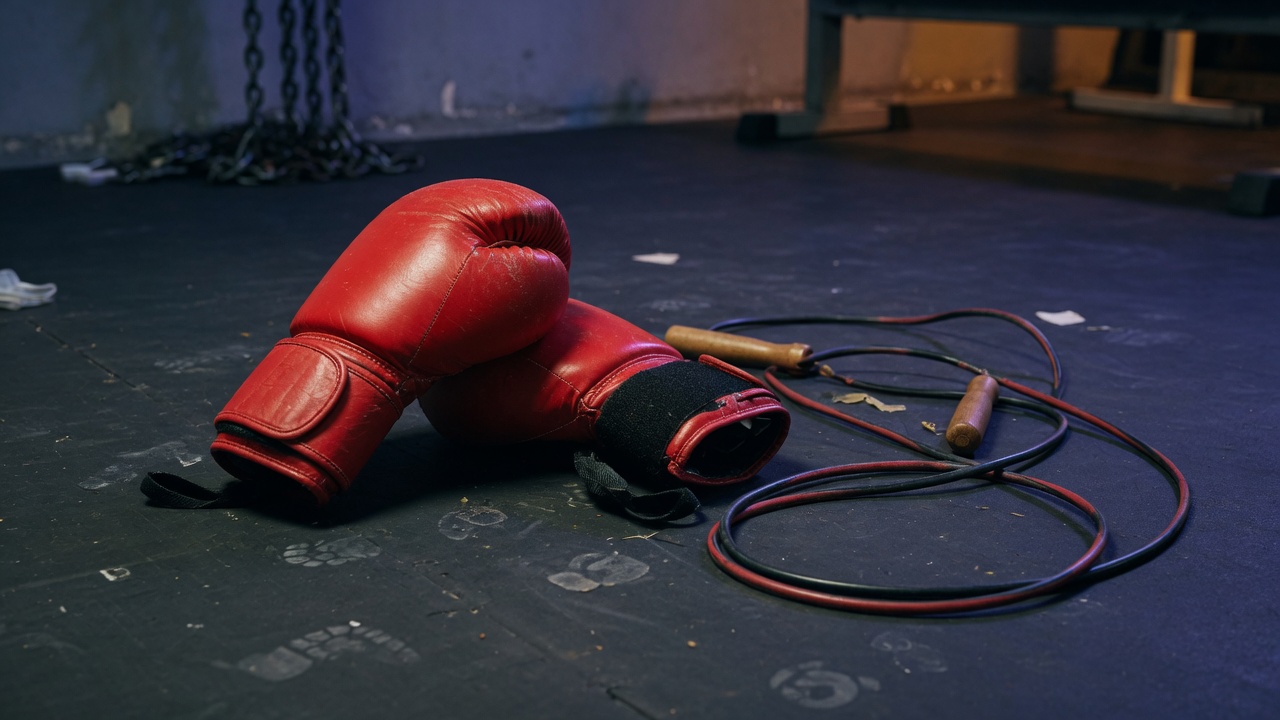
Biceps, triceps and delts. Curls, overhead extensions, dips and raises with amplitude cues from the camera coach.
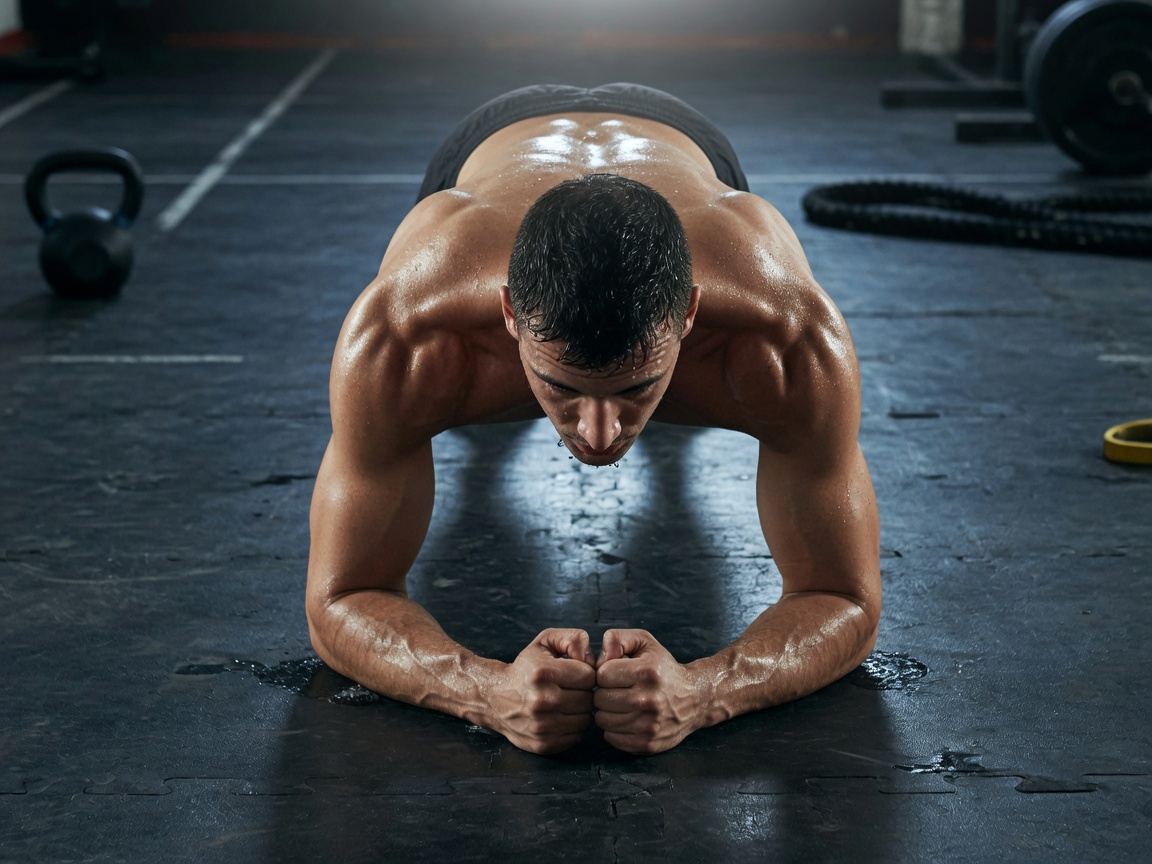
Planks, dead bugs, crunches and leg raises. Core work that actually transfers to squat and press stability.
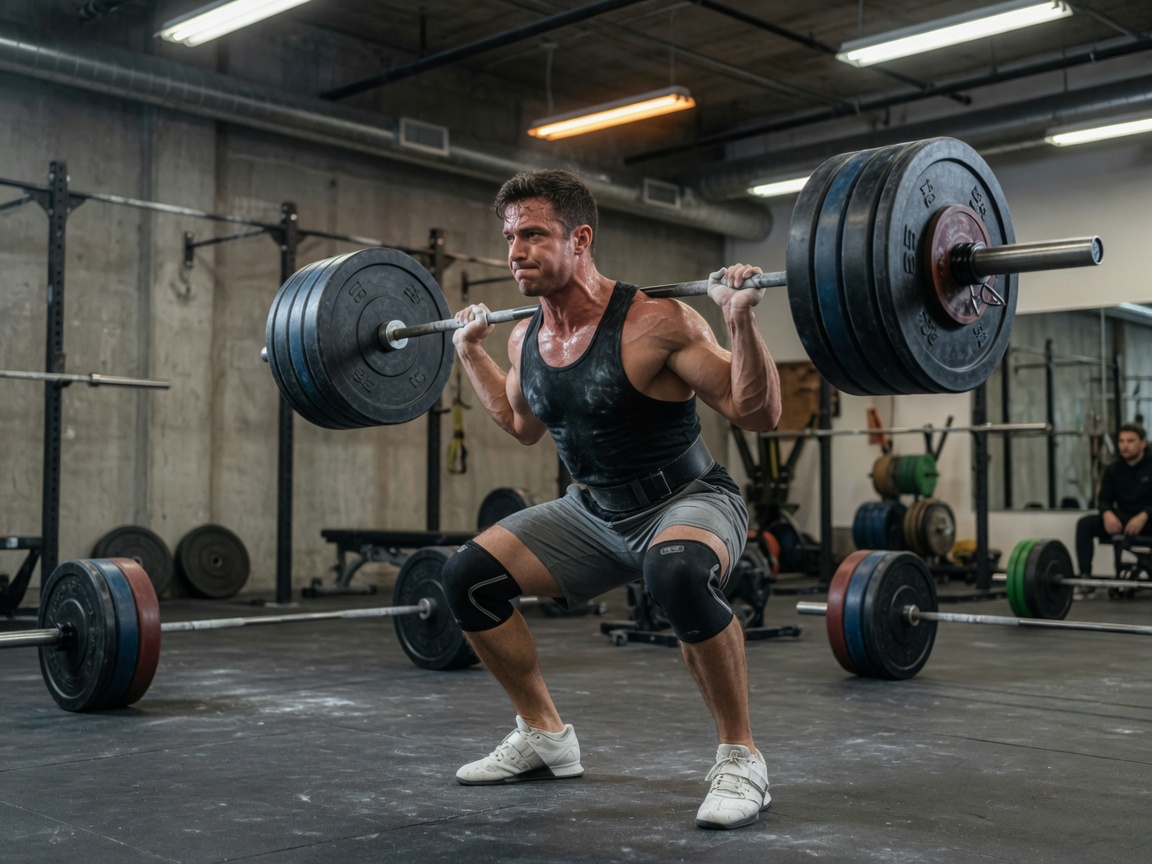
Squats, lunges, hip hinges, glute bridges and calves. Extra posterior-chain volume when the profile is female, per ExRx templates.
Full-body sessions for busy weeks: squat pattern, push, hinge, carry-over core. Ideal when free hours are limited.
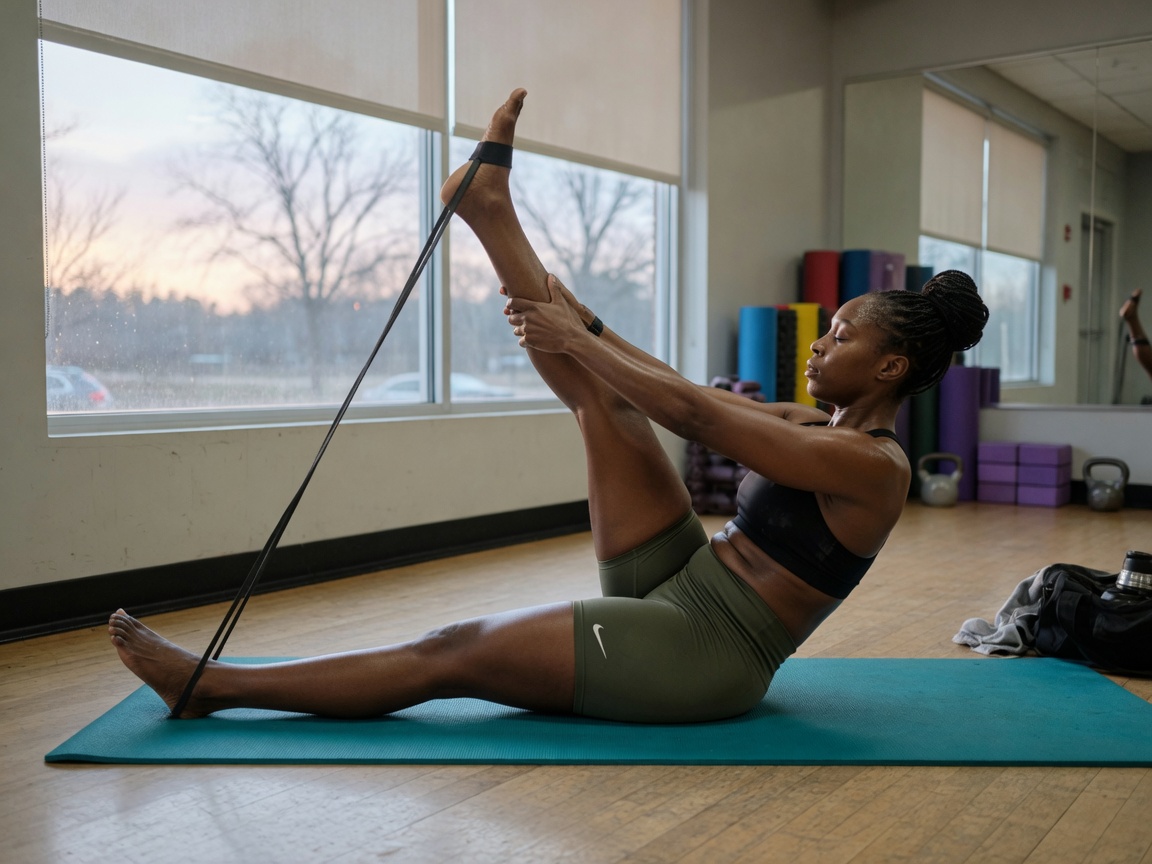
ACSM flexibility work for every major muscle–tendon unit: 10–30s holds, hamstrings, hip flexors, chest, T-spine and calves.
How it works
Personalization
BMI class changes exercise selection: joint-friendly regressions if BMI is high, extra hypertrophy volume if BMI is low.
Male profiles get more pushing volume. Female profiles get extra glute, hip abductor and posterior-chain work from ExRx split notes.
50+ follows ACSM lighter intensity (about 40–50% effort), longer rests, and a mandatory mobility block.
Beginner 2×12–15, intermediate 3×8–12, advanced 4×6–10. Progressions swap knee push-ups for deficit push-ups.
2h/week → two focused sessions. 5h/week → five. Duration is hours divided by frequency, clamped 25–75 minutes.
Same muscle group is not programmed on consecutive days. Stretching is appended to every strength session.
Calendar
Green is done. Red is skipped. Blue is still in the future. Start and finish from the session screen.
Technique analysis
GymBullet runs Google MediaPipe Pose Landmarker on the phone — 33 landmarks, no video upload. The overlay draws your joints, then angle heuristics (the same approach used in ML Kit pose classification) tell you:
Supported live checks: squat, push-up, lunge, plank, biceps curl, overhead press.
The work
FAQ
Programming is based on ACSM Guidelines for Exercise Testing and Prescription (FITT-VP), ExRx.net push/legs/pull templates, and standard hypertrophy ranges (about 6–15 reps, 2–4 sets, 48 hours between the same muscle group).
If a session is not started on its date, it is marked skipped (red). The same workout is moved to the next day, and every later session shifts forward so you never lose the block — you just delay it.
No. MediaPipe Pose Landmarker runs on-device. The camera never has to upload video for the skeleton or angle cues.
No. GymBullet is a training companion. Stop if you feel pain, and talk to a clinician before starting a new program if you have an injury or condition.
We are in beta. The app is not on Google Play yet — we will appear there soon. Until then, install the APK from this site using the steps in the download section.
That is normal for apps that are not from Play Store. Allow installs from your browser or Files app (Install unknown apps), then tap the APK again. If Play Protect warns, choose Install anyway. You can turn unknown-app installs back off after GymBullet is on the phone.
Beta · Android
We are in beta and still not on the Google Play Store. We will appear there soon. Until then, download the APK below and install it directly on your phone.
GymBullet.apk to Downloads.